
A Framework for Handling Instagram Photo Inquiries
Use a simple decision framework to qualify Instagram inquiries fast, reply consistently, and move serious leads off DM without living in the app.
Introduction
Instagram DMs are a blessing and a trap. They generate leads, but they also train you to be “always on,” answering the same questions in the same tiny textbox at the worst possible times.
The hard part isn’t replying. It’s the judgment call: Which DMs deserve your attention right now, which can wait, and which should be moved out of Instagram immediately? If you don’t decide consistently, you end up either ghosting good clients or spending your best hours chatting with people who will never book.
This post gives you a practical decision framework you can run in under 60 seconds per inquiry. It’s designed for photographers who want to be responsive and professional without living inside the app.
The Real Problem: Instagram Forces You Into Micro-Decisions
Instagram DMs turn booking into a stream of tiny, high-frequency decisions:
- Is this person serious or just curious?
- Do I answer now or later?
- Do I ask for a budget or does that feel “salesy”?
- Do I move them to email, a form, or a call?
- Is this a scam, a vendor, or a real client?
Why this matters: your booking process is a system, even if you don’t call it one. When decisions are ad hoc, two things happen:
- Response quality drops (you rush, you forget details, you answer inconsistently).
- Lead tracking breaks (good leads disappear in the DM abyss).
So the goal isn’t “be better at Instagram.” The goal is to standardize your judgment calls so you can respond fast, move serious leads forward, and stop letting Instagram set your working hours.
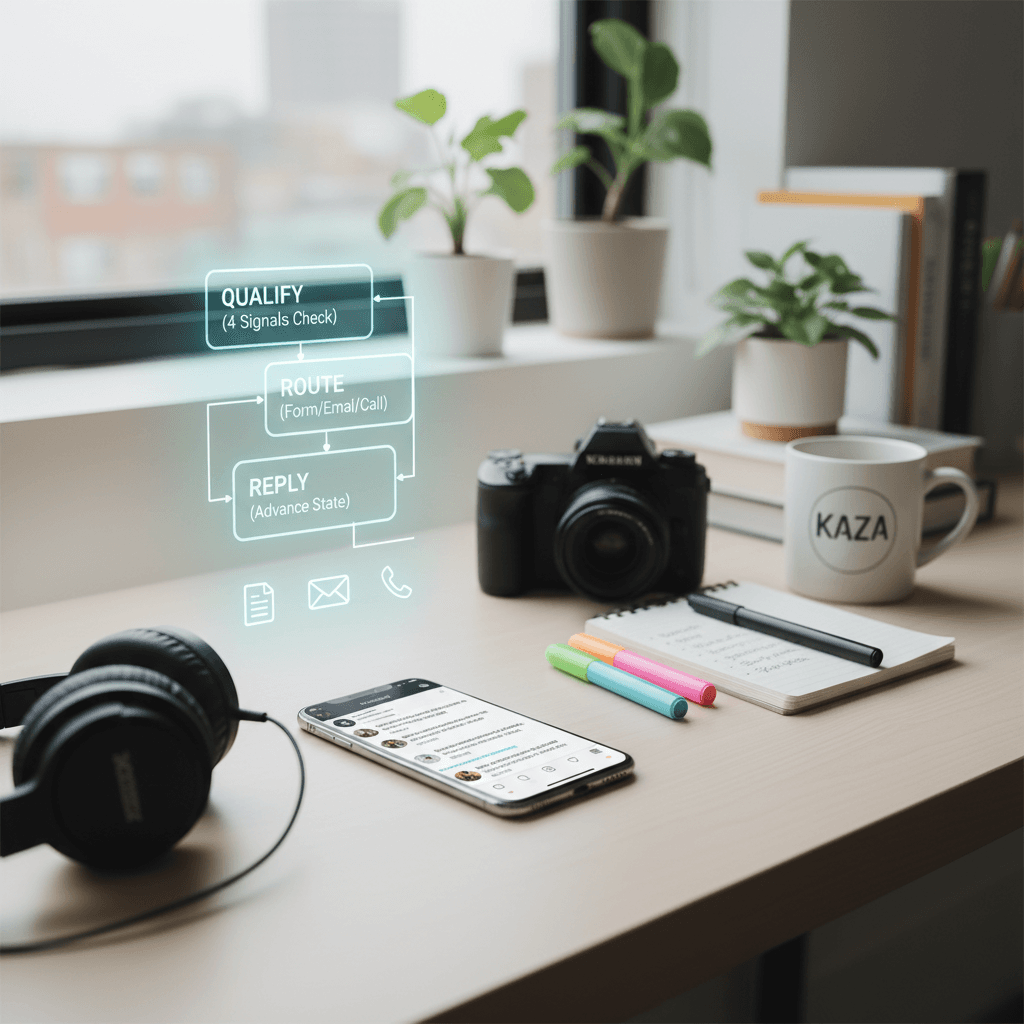
The 60-Second Triage Framework: Qualify, Route, Reply
Here’s the decision framework I’ve seen work across wedding, portrait, family, branding, and commercial photographers.
You’re going to answer three questions in order:
- Qualify: Is this a real booking opportunity?
- Route: Where should this conversation live next?
- Reply: What’s the shortest helpful response that advances the booking?
Step 1: Qualify with the “4 Signals” check
Scan the DM and look for four signals. You’re not judging the person. You’re judging the probability of booking.
Signal A: Specificity
- Green: “Are you available Oct 12 in NYC for an engagement shoot?”
- Yellow: “How much do you charge?”
- Red: “Hey” / “Info?” / empty message
Signal B: Fit
- Green: They reference your work, a style, a location, or a session type you offer
- Yellow: Unclear what they need
- Red: Asking for something you don’t do (or a mismatch you know won’t work)
Signal C: Timeline
- Green: Date mentioned or “next month”
- Yellow: “Sometime this year”
- Red: No timeline and avoids giving one
Signal D: Logistics readiness
- Green: Willing to share basics (date, location, session type)
- Yellow: Only wants pricing, no details
- Red: Evasive, weird urgency, or scam patterns
Score it quickly:
- 3–4 greens: High-intent lead
- 1–2 greens: Medium-intent lead
- 0 greens / red flags: Low-intent (or not a lead)
Why this matters: your time isn’t just time. It’s your best hours (editing energy, creative energy, family time). This check keeps you from spending those hours on conversations that don’t move your business.
Step 2: Route them to the right “home base”
Instagram is a terrible CRM. So decide where the conversation should go next.
Use this routing logic:
Route A: Keep in DM (briefly) Use this only when:
- You’re missing one key detail (date or session type)
- They’re high-intent but asked something simple
- You need a quick clarification before you can quote or share next steps
Route B: Move to your inquiry form (preferred for most bookings) Use when:
- You need multiple details to quote accurately
- You want consistency (same fields every time)
- You want to prevent “quote ping-pong” in DM
Route C: Move to email (for commercial / detailed projects) Use when:
- Multiple stakeholders
- Usage/licensing questions
- Need attachments, shot lists, brand guides
Route D: Move to a call (only after basics are collected) Use when:
- High ticket, high complexity
- Client is ready and decisive
- You already have date/location/session type and want to close
Why this matters: the fastest way to stop living in Instagram is to make Instagram the doorway, not the living room.
Step 3: Reply with one goal: “advance the state”
Every reply should do one of these:
- Collect a missing detail
- Move them to your system (form/email/call)
- Close the loop politely (not a fit / not available / scam)
If your reply doesn’t advance state, it’s just conversation—and conversation is where time goes to disappear.
Why this matters: photographers don’t lose leads because they’re bad at photography. They lose leads because the “next step” isn’t clear, and DM threads stall.
Reply Templates for Each Path (Copy, Paste, and Move On)
These templates are designed to be short, confident, and to reduce back-and-forth. Customize the brackets once and reuse.
High-intent lead → move to form
Use when: they gave enough to know it’s real, but you need details to quote.
Template
Thanks for reaching out—happy to help. What date and location are you planning, and is this for [wedding/engagement/family/branding]?
If you’re open to it, the quickest way is to fill out this short form so I can confirm availability + send the right package options: [link]
Why it works: you answer like a professional, you ask only for essentials, and you make the form feel like a service (speed), not a barrier.
High-intent lead → quick clarify in DM, then route
Use when: you’re missing one detail (usually date).
Template
I’d love to help—what date are you looking at? If you share the date + location, I can confirm availability and send next steps.
Then after they answer:
Perfect. To make this easy, can you drop the details here so I can quote accurately? [link to form]
Why it works: you keep the DM exchange to two messages max.
Medium-intent “How much do you charge?” → anchor + qualify
This is the most common judgment call. If you answer with a price list immediately, you’ll spend your life explaining why you’re “expensive.” If you refuse to talk about price, you’ll feel evasive.
Template
Great question—pricing depends mainly on the session type + date/location. Most [session type] clients invest $X–$Y.
What are you planning (and what date)? If you want, you can use this quick form and I’ll send an exact quote + availability: [link]
Why it works: you provide a real range (trust), but you don’t let the conversation stall on price alone.
Low-intent “Hey” / “Info?” → one prompt, then stop
Template
Hey! What are you looking for—[session types you offer]? And what date/location?
If they don’t answer, you don’t chase. If they answer with something real, re-triage.
Why this matters: chasing low-intent DMs trains you to be on call for strangers.
Not a fit → clean, respectful redirect
Template
Thanks for thinking of me. I’m not the best fit for [type], but if you tell me your location + budget range, I can recommend a couple photographers who are a better match.
Why it matters: you protect your brand and your time, and you still leave them with a positive impression (and possible referrals back later).
Not available → keep the door open without a pen-pal thread
Template
Thanks for reaching out—I'm booked on [date]. If you share your general timeline + location, I can suggest the closest dates I do have open (or refer you to someone great).
Why it matters: you avoid endless “what about… what about…” messages.
Scam / vendor / collab noise → one boundary line
Template
Appreciate the message. I’m not taking collaborations or vendor pitches via DM right now.
Why it matters: if you don’t set a boundary, your inbox becomes an unpaid admin job.
Boundaries That Protect Your Attention (Without Losing Leads)
A framework only works if you can execute it consistently. That requires boundaries you’ll actually keep.
Boundary 1: Two DM windows per day
Pick two times you’ll check DMs:
- Example: 11:30am and 5:30pm
- Each window: 10–15 minutes
- Outside those windows: no DM replies
If someone books you because you replied at 11:48pm, you’ve just trained them (and yourself) that late-night replies are the norm.
Why this matters: consistency beats speed. Most clients don’t need instant replies—they need clear next steps.
Boundary 2: Never build custom quotes in DM
DM is where nuance goes to die. If quoting requires questions, route to your form.
Rule:
- If you can’t answer in 1 message, route them.
Why this matters: custom quoting in DM is how you lose hours and still end up with misunderstandings.
Boundary 3: One “nudge,” not five
If they go quiet after you send the form link, send one follow-up 24–48 hours later. That’s it.
Follow-up template
Quick follow-up—if you still need help with [session type] on [date], here’s the form link again and I can confirm availability: [link]
Why this matters: you stay professional and responsive without turning into a DM chaser.
Boundary 4: Move serious clients off Instagram fast
If someone is high-intent, you want them in a place where you can:
- capture details
- track status
- follow up
- avoid losing the thread
Instagram is none of those things.
Why this matters: the highest-cost failure in your business isn’t “a wasted DM.” It’s a real client who wanted to book and slipped through the cracks.
A Simple DM Pipeline You Can Run in 15 Minutes a Day
Here’s the operational version. This is what you do, not what you aspire to do.
Your three DM labels (even if Instagram doesn’t label)
Create these in your notes (or your CRM), and mentally sort every message:
- Bookable (needs next step)
- Pending (waiting on them)
- Closed (not a fit / booked / no response)
Why this matters: you’re building a pipeline, not a chat history.
The daily workflow (15 minutes)
DM window #1 (10 minutes)
- Triage all new DMs using the 4 Signals
- Send one of the templates
- For anyone you routed to a form/email: mark as Pending
DM window #2 (5 minutes)
- Check Pending
- Send at most one follow-up to yesterday’s high-intent lead who didn’t respond
- Close dead threads (mentally and in your notes)
Why this matters: without a “pending” list, you will repeatedly re-read the same threads, wondering who you owe a reply to.
What “good” looks like
If you run this well:
- You respond consistently (even when tired)
- You spend most DM time routing, not chatting
- You can be present on shoots and still be “responsive enough”
- You don’t miss real leads because you forgot to check message requests
Why this matters: photographers don’t need more hustle. They need fewer places for leads to hide.
Conclusion
Handling Instagram inquiries without living in the app comes down to one skill: making the same judgment call the same way every time.
Use the 60-second triage:
- Qualify with the 4 Signals
- Route to the right home base (form/email/call)
- Reply with one goal: advance the state
If you want this entire process to happen without constant inbox checking—across Instagram DMs, WhatsApp, and email—see how Kaza handles qualification, drafted replies, and a clean pipeline automatically at heykaza.com.
Frequently Asked Questions
- Should I move every Instagram inquiry to an inquiry form?
- For most booking workflows, yes—after you collect the minimum (usually session type + date). Keep the first DM reply short, then route to the form so you can capture details consistently and track the lead.
- What if I reply with a form link and they never respond?
- Send one follow-up 24–48 hours later with the same link and a simple offer to confirm availability. If they still don’t respond, close the thread and move on—chasing multiple times burns time and rarely converts.
- Is it bad to give a price range in DMs?
- No. A range builds trust and filters out mismatch leads. Just avoid detailed quoting in DM—give a realistic starting point or range, then ask for the specifics you need via your form or email.