
WhatsApp Inquiry Teardown for Busy Photographers
A real-world teardown of a WhatsApp inquiry exchange, with practical fixes to help photographers respond faster without burning out.
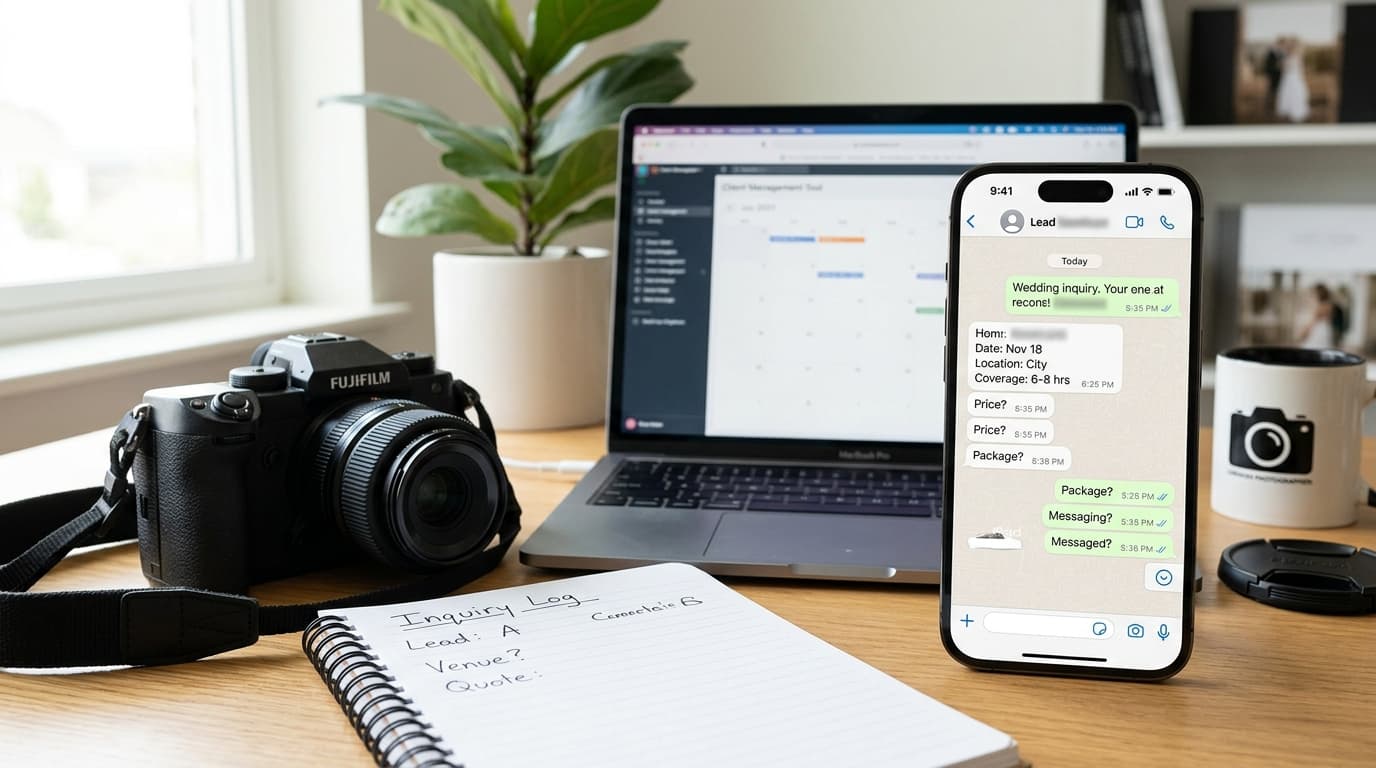
Introduction
If you shoot weddings, portraits, families, or events, you already know the pattern.
A new inquiry lands on WhatsApp. It looks simple. You reply quickly. Then the conversation turns into 14 messages, missing details, delayed answers, a vague budget, and a decision that somehow still depends on you following up again.
This is where burnout starts for a lot of photographers. Not in the shoot. In the constant context switching of handling inquiries one message at a time, across weird hours, with no clean system behind it.
In this teardown, I’m breaking down an anonymized WhatsApp inquiry exchange and showing exactly where the workflow creates drag. More importantly, I’ll show how to fix it so you can protect your time, qualify leads faster, and stop letting WhatsApp run your booking business.
The Anonymized WhatsApp Inquiry Exchange
Here’s a simplified version of a real pattern I’ve seen over and over.
The original exchange
Lead:
Hi, are you available for a wedding in November?
Photographer:
Hi, yes. What date?
Lead:
November 18
Photographer:
Yes, I’m available. Where is it?
Lead:
In the city
Photographer:
Okay, what kind of coverage do you need?
Lead:
Not sure yet. Can you send pricing?
Photographer:
Sure. My packages start at $2,200.
Lead:
Okay thanks
Then nothing.
On the surface, this feels normal. The photographer replied. The lead asked a question. Pricing was sent. The conversation ended.
But from a booking perspective, this exchange failed.
Why this matters: photographers often judge inquiry handling by whether they replied quickly. That’s the wrong metric. The real question is: did the conversation move the lead toward a clear next step? In this case, it didn’t.
What’s missing from the exchange
The lead never shared:
- venue
- timeline
- guest count
- exact coverage needs
- whether they wanted photo only or photo and video
- budget range
- how serious they were
- when they wanted to decide
The photographer also never established:
- a structured intake flow
- what package fit this inquiry
- whether this was even a qualified lead
- a next step beyond “here’s pricing”
That last part is the killer. When you send pricing without context, you force the lead to do the work of interpreting it. Most won’t.
Where the Conversation Started Breaking Down
This is the part photographers usually miss. The problem wasn’t just that the lead ghosted. The problem started much earlier.
Mistake 1: answering the question, not managing the inquiry
The lead asked, “Are you available?”
So the photographer answered, “Yes. What date?”
That sounds reasonable, but it keeps the photographer in reactive mode. Every message only responds to the last message. There’s no structure.
A better inquiry process does two things at once:
- answers the lead quickly
- gathers the minimum info needed to qualify and quote properly
If you only do the first, WhatsApp becomes a slow-motion tennis match.
Why this matters: reactive messaging feels polite, but it creates extra back-and-forth, delays quotes, and trains leads to drip-feed details. That costs time on every single inquiry.
Mistake 2: collecting details one at a time
Date. Then location. Then coverage. Then pricing.
This is a common trap because it feels conversational. But operationally, it’s inefficient.
Every additional question creates another chance for:
- delay
- vague answers
- lost momentum
- ghosting
- forgotten follow-up
On WhatsApp, short replies make this worse. People answer with fragments like “city,” “small event,” or “not sure yet.”
That means you’re doing more work while getting lower-quality information.
Why this matters: inquiry fatigue rarely comes from one difficult lead. It comes from repeating this fragmented exchange dozens of times per week.
Mistake 3: sending pricing too early
This is where most inquiry threads die.
The lead says, “Can you send pricing?” and the photographer sends a starting number or PDF. Conversation over.
The issue isn’t that you sent pricing. It’s that you sent it without framing.
If a lead sees “starts at $2,200” with no explanation, they’re left to guess:
- What does that include?
- Is that enough coverage for my day?
- Is this photographer a fit for my event?
- Are there cheaper options?
- Should I keep shopping?
You think you’ve answered their question. They feel like they still have homework.
Why this matters: pricing is not just information. It’s part of your sales process. If you send it too early and without context, you make it easier for leads to disappear and harder for yourself to follow up naturally.
Mistake 4: no defined next step
After pricing, the thread ended with “Okay thanks.”
This is where photographers often wait, hope, and mentally keep the lead open in the background. Maybe they’ll reply. Maybe they won’t. Maybe you’ll remember to follow up in three days.
That’s a bad system.
Every inquiry should leave one of three ways:
- qualified and moving forward
- not a fit
- waiting on a specific next action
“Okay thanks” is none of those.
Why this matters: if there’s no next step, your pipeline fills with maybes. That creates mental clutter, poor forecasting, and unnecessary follow-up work.
How to Rewrite This Exchange So It Actually Works
Let’s rewrite the same interaction in a way that protects the photographer’s time and gives the lead a smoother experience.
A stronger version
Lead:
Hi, are you available for a wedding in November?
Photographer:
Hi, thanks for reaching out. I’d be happy to check. What’s your date, venue, and the type of coverage you’re looking for? If it’s easier, send me those three details and I’ll point you to the best fit.
Lead:
November 18, still finalizing venue, wedding in the city, probably 6 to 8 hours.
Photographer:
Perfect, thanks. I’m currently available on November 18. For city weddings with 6 to 8 hours of coverage, most couples book between $2,200 and $3,400 depending on timeline and add-ons. If you want, I can send the most relevant package options and what’s included.
Lead:
Yes please
Photographer:
Based on what you shared, Package B is usually the best fit:
- 8 hours coverage
- 1 photographer
- edited gallery
- online delivery
- turnaround time If you’re still deciding on venue and timeline, I can also hold your date for 48 hours while you confirm the details. Would you like me to send the full breakdown here or by email?
That’s still conversational. But now the photographer is leading.
Why this version works better
It improves the exchange in four ways.
1. It bundles key questions
Instead of asking one question per message, it asks for the minimum useful set upfront.
For most photographers, that means some version of:
- date
- session or event type
- location
- coverage length
- budget or package interest
This reduces back-and-forth without sounding robotic.
2. It gives pricing context
Notice the pricing wasn’t just “starts at $2,200.”
It was framed around:
- type of event
- likely coverage
- expected range
- next available options
That helps the lead understand what the number means.
3. It offers a concrete next step
The lead is not left hanging after seeing a number. They’re given a decision:
- receive package options
- choose where to receive them
- confirm details
- hold the date briefly
This moves the inquiry forward.
4. It keeps the photographer out of custom-quote mode too early
A lot of burnout comes from building detailed custom replies for people who are still casually shopping.
This version qualifies before the photographer spends extra time.
Why this matters: a better WhatsApp reply doesn’t just sound nicer. It reduces unqualified back-and-forth, improves conversion, and gives you cleaner control over your booking pipeline.
The Real Fix Is a Better Inquiry Workflow
Here’s the hard truth: the problem is not one bad WhatsApp exchange.
The problem is that many photographers are using WhatsApp like an inbox, when it’s actually functioning as an unstructured booking intake system.
That distinction matters.
WhatsApp is great for speed, bad for process
Clients love WhatsApp because it’s easy. They can send a quick message while commuting or during lunch.
Photographers hate it because every inquiry arrives as an open-ended chat. No form fields. No standard format. No automatic qualification. No stage tracking.
So the business owner has to do all of this manually:
- extract details from scattered messages
- decide whether the lead is serious
- repeat pricing info
- remember who needs follow-up
- switch between WhatsApp, Instagram, and email
- update a spreadsheet or notepad later
That’s not communication. That’s unpaid admin.
Why this matters: if you’re burning out on inquiries, the issue usually isn’t responsiveness. It’s that your booking workflow depends on your memory and manual typing.
Build a minimum viable WhatsApp workflow
You do not need a massive CRM project to fix this. Start with a simple workflow.
Step 1: define your must-have intake fields
Pick the 4 to 6 details you need before quoting seriously.
For example:
- date
- shoot type
- location
- hours of coverage
- budget range
- referral source
These should be the same every time.
Step 2: create saved reply templates
You should not be writing these from scratch.
At minimum, have templates for:
- first response
- pricing-context reply
- follow-up after no response
- not-a-fit reply
- availability confirmation
Good templates still sound human. They just remove repeated effort.
Step 3: separate inquiry stages
Every inquiry should sit in a clear stage like:
- new inquiry
- waiting for details
- qualified
- quote sent
- follow-up needed
- booked
- closed
This is where most photographers lose track. Not because they don’t care, but because chat apps hide pipeline state.
Step 4: define a follow-up rule
For example:
- follow up after 24 hours if details are missing
- follow up after 48 hours if quote was sent
- close lead after 7 days of no response
Simple rules prevent “I should probably message them again” from sitting in your head all week.
Why this matters: structure removes decision fatigue. And decision fatigue is a huge part of inquiry burnout.
What Photographers Should Track in WhatsApp Inquiries
If you want to improve bookings, you need to track what actually happens inside these conversations.
Not obsessively. Just enough to spot bottlenecks.
Track these five things first
1. Time to first response
Fast matters, especially on WhatsApp.
But don’t stop there.
A fast response to the wrong message structure still creates a messy thread. So track speed, but pair it with quality.
2. Percentage of inquiries that provide full details
How many leads give you enough information to quote properly without extra chasing?
If that number is low, your first reply is too vague.
3. Quote-to-reply rate
After you send pricing or package options, how often does the lead continue the conversation?
If people regularly disappear after pricing, your pricing message likely needs better framing.
4. Follow-up dependency
How many inquiries only progress because you manually chased them?
If the answer is “most,” your process is too reliant on personal effort.
5. Booking rate by channel
Compare WhatsApp to Instagram DM and email.
Sometimes WhatsApp generates more volume but lower-quality leads. Sometimes it converts well but only when the intake is structured. You won’t know unless you track it.
Why this matters: what feels like a messaging problem is often a funnel problem. Tracking a few simple numbers helps you fix the real issue instead of just replying faster.
A practical benchmark
For many photographers, a healthy WhatsApp inquiry flow looks like this:
- quick first response
- required details collected in 1 to 2 exchanges
- pricing sent with context
- clear next step included
- automatic or scheduled follow-up if no reply
- qualified leads surfaced separately from casual inquiries
If your current process requires 10 messages just to figure out whether the lead is serious, that’s the bottleneck.
Conclusion
The takeaway from this teardown is simple: WhatsApp itself is not the problem. The real problem is handling inquiries without a defined intake structure, pricing framework, or follow-up process.
The anonymized exchange above failed in a very normal way. The photographer replied quickly, answered questions, and still lost momentum because the conversation had no system behind it. That’s exactly how inquiry management turns into burnout.
For photographers running a real booking business, the goal is not to reply more often. It’s to qualify faster, reduce repetitive typing, and move each inquiry toward a clear next step.
If that’s the part of your workflow that feels messy right now, see how Kaza handles this automatically at heykaza.com.
Frequently Asked Questions
- Should photographers give pricing on WhatsApp right away?
- Yes, but with context. A price range tied to event type, coverage, and likely fit works better than dropping a flat starting price with no explanation.
- How many questions should I ask in the first WhatsApp reply?
- Usually 3 to 5 max. Ask for the minimum details you need to qualify the inquiry without turning the chat into a form.
- Why do so many WhatsApp inquiries ghost after pricing?
- Usually because the pricing arrived too early or without context. Leads do not know what package fits them, what is included, or what to do next.
- What is the best way to avoid WhatsApp inquiry burnout?
- Use a repeatable workflow: standardized intake questions, saved replies, clear inquiry stages, and scheduled follow-up rules so your brain is not managing everything manually.