
7 Automation Mistakes That Make Inquiries Robotic
Avoid 7 automation mistakes that make photography inquiries feel cold, generic, and easy to ignore—without giving up speed or consistency.
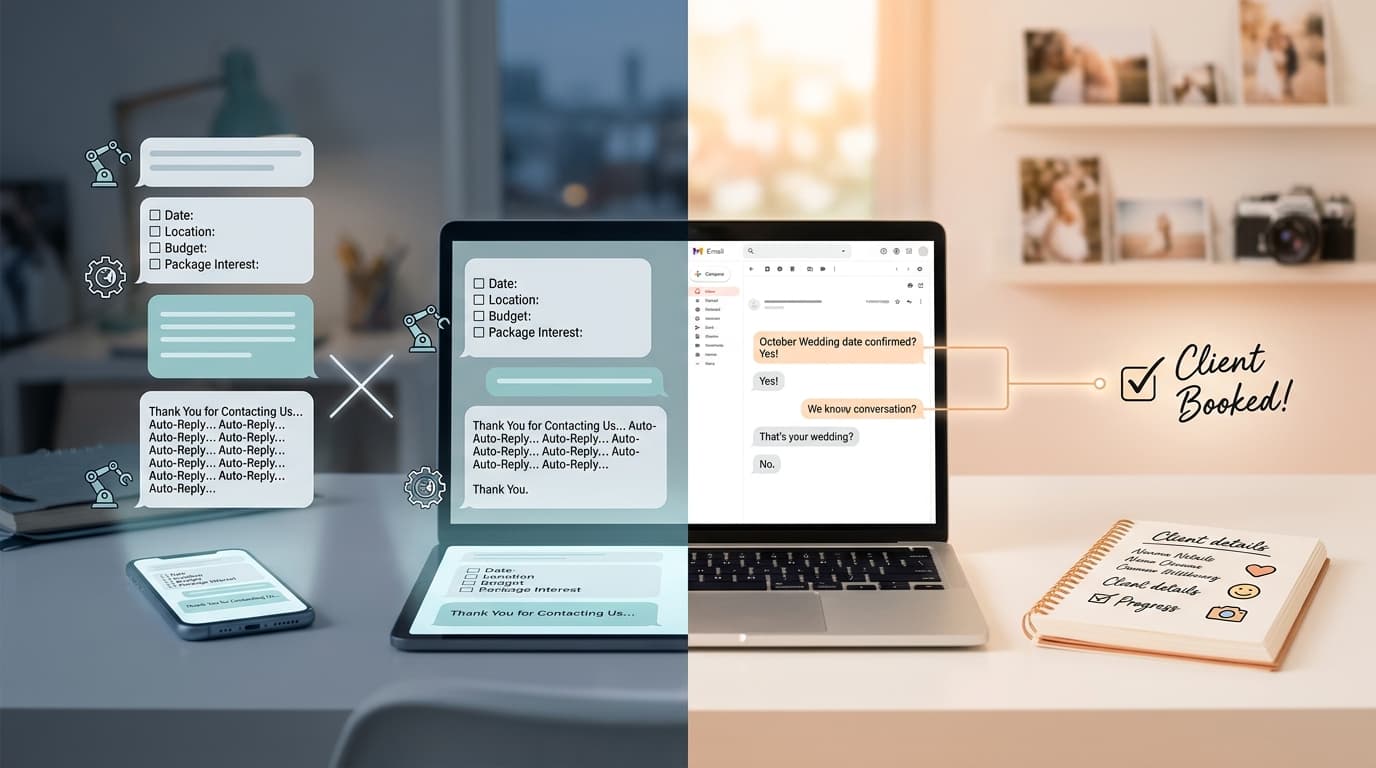
Introduction
Automation is supposed to save time. But when it’s set up badly, it does the opposite: it makes potential clients feel like they’re talking to a bot, not a photographer they can trust with an important day.
That’s a real problem in photography. Most inquiries are emotional purchases before they’re logical ones. A couple reaching out for a wedding, a parent asking about a newborn session, or a brand looking for a campaign photographer is not just buying coverage. They’re deciding whether you feel responsive, organized, and human.
The mistake I see most often is not using automation. It’s using lazy automation. Generic auto-replies, awkward delays, over-qualification, and canned language can quietly kill good leads before you even realize it.
In this post, I’ll break down 7 automation mistakes that make inquiries feel robotic, why they hurt conversion, and what to do instead if you want faster replies without sounding cold.
1. Starting With a Generic Auto-Reply
The fastest way to sound robotic is to send the same flat opener to everyone.
You’ve seen these before:
“Thank you for your inquiry. Your message is important to us. We will respond within 24–48 hours.”
That reply technically does the job. But it also sounds like a dentist’s office, not a photographer. It gives the client zero sense of who you are, whether you understand what they need, or what happens next.
Why this matters: first replies shape trust. If your first touchpoint feels cold, you create friction before the real conversation even starts. In a competitive market, that can be enough for someone to keep shopping.
A better automated opener does three things:
- Acknowledges what they likely need
- Sets a clear expectation
- Keeps your voice intact
For example:
“Thanks for reaching out. I’ve got your message and I’ll review the details shortly. If this is for a wedding, portrait session, or brand shoot, I’ll point you to next steps as soon as I check availability.”
That feels more human because it sounds like a person who knows their business.
Even better, if the inquiry came from a form or DM with context, reflect it back:
“Thanks for reaching out about your October wedding. I’m checking your date now and I’ll follow up with availability and next steps shortly.”
That one small detail makes automation feel responsive instead of canned.
2. Asking Too Many Questions Too Early
A lot of photographers use automation to pre-qualify leads. That part makes sense. The mistake is turning the first interaction into homework.
If your automated reply asks for:
- date
- location
- budget
- guest count
- timeline
- shot list
- venue
- Pinterest board
- package interest
- referral source
...before you’ve even had a basic conversation, it can feel transactional fast.
Why this matters: inquiries are not admin tasks to the client. They are moments of interest. If your response feels like an intake form disguised as a conversation, people drop off.
You do need information. But you don’t need all of it upfront.
A better approach is to ask for the minimum details needed to move the lead forward.
For example, for weddings:
- event date
- venue or city
- what they’re looking for
For portraits:
- session type
- preferred timeframe
- location preference
For commercial work:
- project type
- usage needs
- timeline
That’s it. Enough to qualify, not enough to exhaust.
A strong automated message might say:
“Happy to help with this. To point you in the right direction, send over your date, location, and the type of session you’re planning.”
Short. Clear. Easy to answer.
If you need deeper details, ask them after they’ve engaged, or collect them in the next step when they’re more invested.
3. Replying With Perfectly Timed but Obviously Scripted Messages
Speed matters. But unnatural speed can backfire.
If someone sends a detailed Instagram DM at 10:14 PM and gets a fully polished, multi-paragraph response at 10:14:02 PM, many people will instantly know it’s automated. That’s not the problem by itself. The problem is when the message reads like software pretending to be a person.
This usually happens when the reply is too polished, too structured, and too universal.
Example:
“Hello and thank you for contacting me regarding your photography needs. I would be delighted to assist you. Please review the following options to proceed.”
No photographer talks like that in real life.
Why this matters: people don’t mind automation nearly as much as they mind the feeling of being managed by a system. If your message feels synthetic, trust drops.
Here’s how to fix it:
- Write like you actually text or email clients
- Use contractions
- Keep replies shorter
- Avoid corporate phrasing
- Match channel tone
A WhatsApp or Instagram DM reply should not sound like a formal proposal.
Better:
“Thanks for reaching out. I just got your message. If you send me the date and location, I can check availability and point you to the best fit.”
It’s still automated. But it feels usable.
Also, don’t over-automate timing logic just to seem human. You do not need fake typing pauses and theatrical delays. You need natural language and relevant next steps.
4. Using the Same Tone for Every Type of Inquiry
Not all leads should get the same style of reply.
A wedding inquiry is emotionally different from a commercial production inquiry. A newborn inquiry is different from a headshot inquiry. If your automation sends the same upbeat script to everyone, it starts to feel blunt and detached.
This often happens when photographers build one “master response” and try to force every lead through it.
Why this matters: tone is part of your brand. More importantly, it signals whether you understand the client’s situation. When tone mismatches the inquiry, clients feel unseen.
Here’s a simple way to think about it:
Wedding and family inquiries need warmth
These clients want reassurance, clarity, and a sense that you care about the experience.
An automated reply can sound like:
“Thanks so much for reaching out about your wedding. I know choosing a photographer is a big part of planning, so I’ll keep this simple. Send me your date and venue, and I’ll check availability for you.”
Commercial inquiries need precision
These clients want efficiency, professionalism, and confidence.
A better automated reply might be:
“Thanks for getting in touch. Send over the shoot date, deliverables, usage, and timeline, and I’ll review the scope and come back with next steps.”
Same function. Different tone.
If your automation can detect inquiry type from the form, email subject, or message content, use that. Even basic routing by category makes a huge difference.
5. Making People Repeat Information Across Channels
This one is a silent lead killer.
A person DMs you on Instagram. Then your automation tells them to fill out a form. Then they email. Then you ask again for the same date, session type, and location because that information didn’t carry over.
From your side, it looks like a normal workflow. From their side, it feels like starting over three times.
Why this matters: repetition makes your business feel disorganized. People interpret that as a warning sign for the rest of the experience. If booking feels messy, they assume the shoot might be too.
A better system should preserve context across channels:
- If they shared their event date in a DM, that should be captured
- If they followed up by email, the conversation should stay linked
- If they already answered a qualification question, don’t ask it again
Even if you still need them to complete a form, acknowledge what you already know.
For example:
“Thanks for sending your wedding date and venue here. To make the quote accurate, I just need a few more details in this form.”
That wording matters. It tells the client, I was paying attention.
This is one of the biggest opportunities for photographers because most inquiry setups are still split across Instagram, WhatsApp, email, and contact forms. If those channels don’t talk to each other, the client experiences the cracks.
6. Automating Follow-Ups Without Context
Follow-ups are important. But bad follow-ups are worse than none.
A robotic follow-up usually sounds like this:
“Just checking in on my previous message.”
Or worse, it arrives after the client has already replied, booked, or gone cold for a clear reason.
The issue is not the reminder. It’s the lack of awareness.
Why this matters: contextless follow-ups make you look inattentive. That’s especially damaging in photography, where clients are looking for someone organized enough to manage details well.
Good follow-up automation should be conditional.
That means:
- don’t send it if they already replied
- don’t send it if the inquiry was marked closed
- don’t send pricing nudges to leads who were clearly not a fit
- don’t send the same reminder to a wedding lead and a commercial producer
Instead, tie the follow-up to what happened before.
Examples:
If they asked for pricing and went quiet:
“Just following up in case my pricing guide got buried. If you want, I can also help narrow down the best package based on what you’re planning.”
If they started but didn’t finish qualification:
“I’ve got your inquiry started. If you still want me to check availability, send over your date and location and I’ll take it from there.”
That feels like continuity, not automation for automation’s sake.
One more thing: cap your follow-up sequences. A lead who didn’t respond to three well-timed, relevant touches usually does not need a fourth generic nudge.
7. Hiding the Human Handoff
Automation should support human communication, not trap people inside a workflow.
One of the worst mistakes is making it unclear when a real person steps in. If every message feels system-generated and there’s no obvious point where the photographer personally responds, clients can start to wonder whether they’ll ever talk to you directly.
That uncertainty creates distance.
Why this matters: photographers are personal service businesses. Clients are not just buying output. They are buying your judgment, taste, presence, and reliability. They want to know there’s a person behind the process.
The fix is simple: design a clear human handoff.
That can look like:
- “I’ve got the basics I need. I’ll personally review this and follow up.”
- “Once I confirm availability, I’ll send you options.”
- “I handle all custom quotes myself and I’ll be in touch shortly.”
Those lines do a lot of work. They tell the client automation is handling the busywork, not replacing the relationship.
Internally, this also forces a better workflow. You define:
- what gets automated
- what gets routed
- what requires your eyes
- when the client should hear from you directly
That structure is what makes automation feel polished instead of impersonal.
The best inquiry systems don’t pretend to be you. They help you show up at the right moment with the right context.
Conclusion
If your inquiry automation feels robotic, the issue usually isn’t that you automated. It’s that the workflow forgot how clients actually experience the first conversation.
The fix is practical. Use fewer questions, more context, better tone, and a clear human handoff. Make replies feel aware, not just fast. Make follow-ups relevant, not automatic by default. And make sure clients never have to repeat themselves just because your tools are disconnected.
That’s the real goal: save time without making your booking process feel cold.
If you want a cleaner way to handle inquiries across Instagram, WhatsApp, email, and forms without losing the human feel, see how Kaza handles this automatically at heykaza.com.
Frequently Asked Questions
- Should photographers tell clients they use automation?
- Usually yes, at least indirectly. You do not need a big disclaimer, but your messages should make it clear when an initial system is collecting details and when you will personally step in. Clients care more about clarity and responsiveness than whether automation is involved.
- What is the biggest automation mistake in photography inquiries?
- The biggest mistake is sending fast but irrelevant replies. A quick response only helps if it acknowledges the inquiry, asks for the right next detail, and sounds like your brand rather than generic software.
- How many questions should an automated inquiry reply ask?
- Ask only for the minimum needed to qualify and continue the conversation. For most photographers, that is usually two to four details, not a full intake form.